Home office design ideas work best when the room supports the tasks you do there. Before choosing a style, decide whether you need video calls, focused writing, paperwork, two screens or occasional study. Then set the desk, chair, light and storage around the work. Contemporary, cosy, elegant or colourful finishes can all succeed when the daily setup remains comfortable and easy to keep organised.
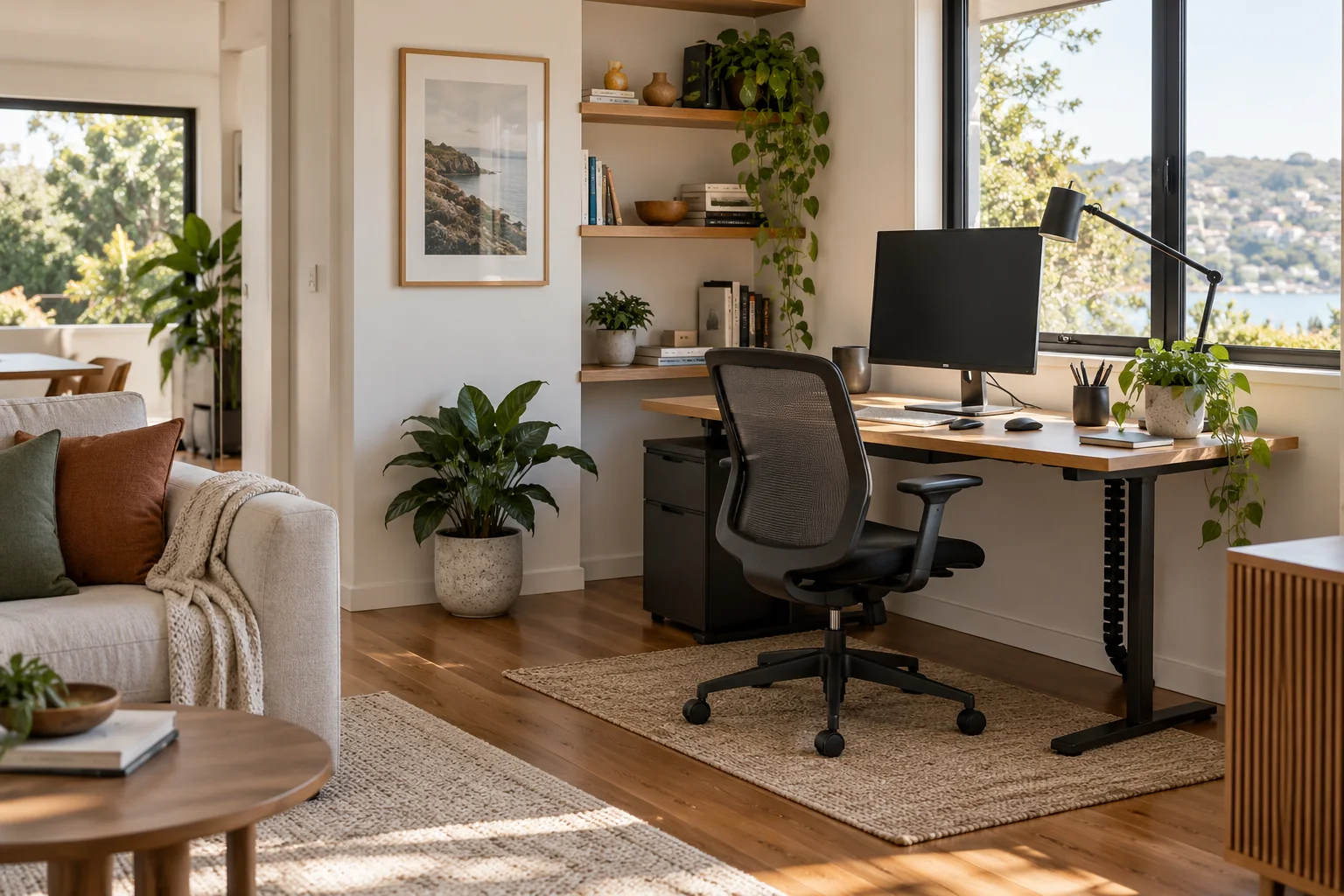
List the work you perform in a normal week and the equipment each task requires. A laptop-only setup needs a different surface and cable plan from a two-monitor desk, printer and paper files. Note the computer, screen, keyboard, mouse, headset, notebooks, charging devices and any video-call background. Measure each item and include space to use it, not only to store it.
Choose a position with reliable light and a power source. Check the screen from the seated position at different times of day; a window directly behind or in front of a display may create distracting glare. Add adjustable task lighting if the room’s general light does not illuminate paperwork. Keep cables away from walkways and chair wheels.
A contemporary home office often uses simple lines, concealed cable storage and a restrained palette. A cosy office may use timber, textiles and warmer lighting. An elegant office can rely on a consistent finish and fewer visible accessories. A colourful home office can use a strong wall colour or a few vivid objects while keeping the desk surface uncluttered.
Choose the mood after deciding the fixed elements: desk size, chair, storage and lighting. A bold finish is easier to change than built-in cabinetry. Request samples and compare them in the room’s actual light. Keep the surface near the screen calm enough for focused work and video calls.
| Constraint | Useful response | Trade-off to watch |
|---|---|---|
| Limited wall length | Compact desk or a fitted work surface | Insufficient depth for screen, keyboard and writing |
| Little floor space | Wall shelves or vertical storage | Items stored too high to reach safely |
| Shared room | Storage that closes away and a defined work zone | Setup time and noise when others use the room |
| Frequent video calls | Simple background and controlled lighting | Window glare, echo and visible household clutter |
Keep the items used every day close to the seated position. Store backup paper and occasional equipment elsewhere. Use drawers, trays or labelled boxes to prevent small items spreading across the work surface. Make room for the chair to move and stand up without catching on a cabinet or bed.
Safe Work Australia’s working-from-home workstation setup guide notes that workstation design should suit the work, environment and individual, and that work health and safety duties still apply when working from home. Use it as a starting point, then refer to your state or territory regulator and employer guidance where relevant.
For storage and finish options, review the site’s furniture materials and furnishing materials. Choose the work surface from its actual size, edge, finish and care specification.
Start with the task list and equipment, then measure a desk footprint that leaves room for the chair and a clear route. Use vertical storage for occasional items and keep daily tools within reach. Test the screen position and light before adding decorative pieces.
Use warm materials, a comfortable chair, soft task lighting and a limited set of personal objects. Keep the work surface usable and avoid glare on the screen. A cosy setup still needs clear cable management, accessible storage and room to move.
Choose the work surface and seating based on the tasks, room dimensions and user. Check screen and keyboard placement before buying storage or décor. The best first purchase is the item that determines the layout, often the desk, provided it fits the room and equipment.
A strong home office setup begins with work requirements and ends with a room that is simple to use every day. Choose a style that supports concentration, position light and screens thoughtfully, and keep storage close to the tasks. Review the arrangement after using it rather than assuming a catalogue layout will fit every person.
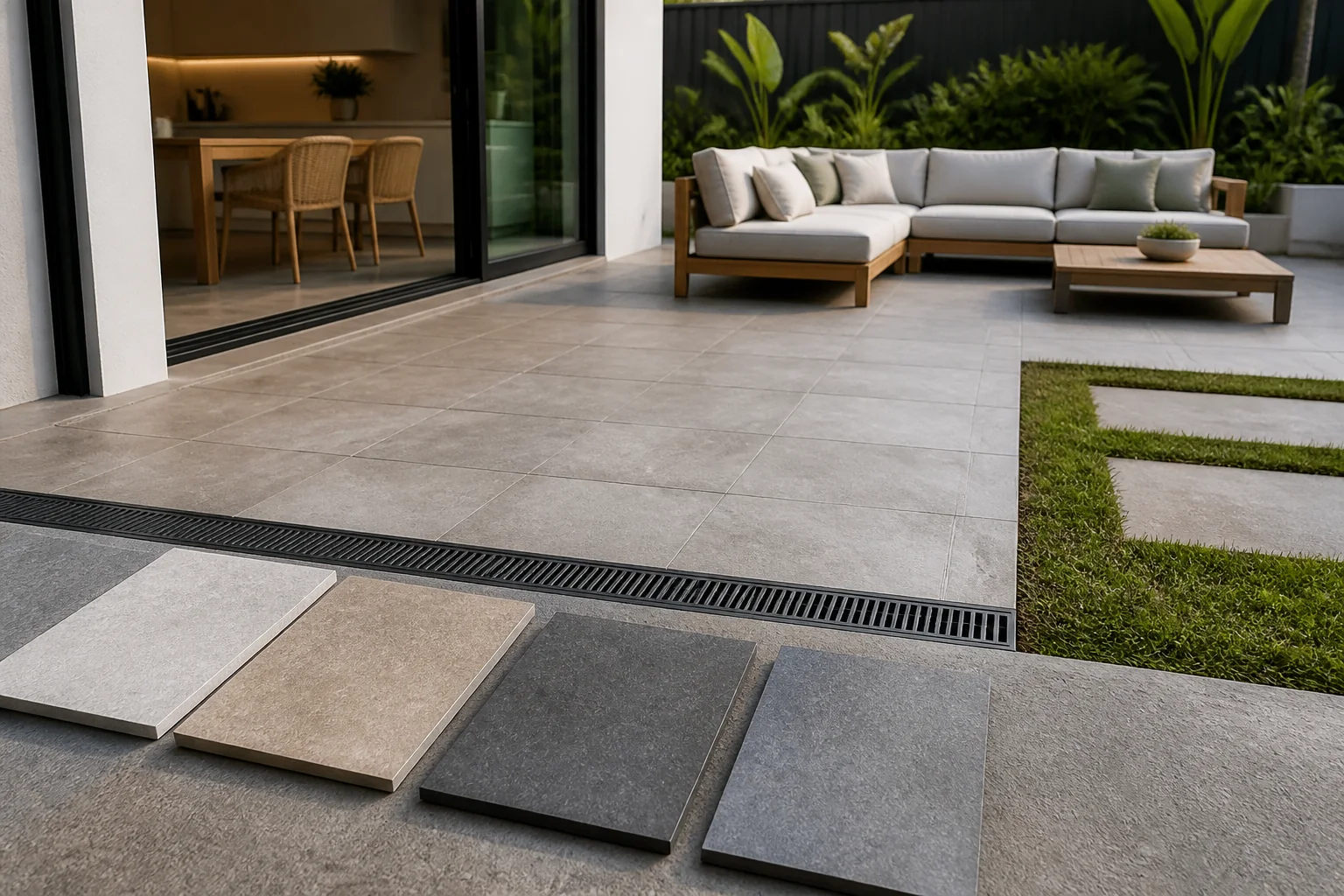
Compare exterior tile prices by including product, substrate, drainage, slip, waterproofing, trims, delivery, waste and installation in the project budget.
2026-08-29
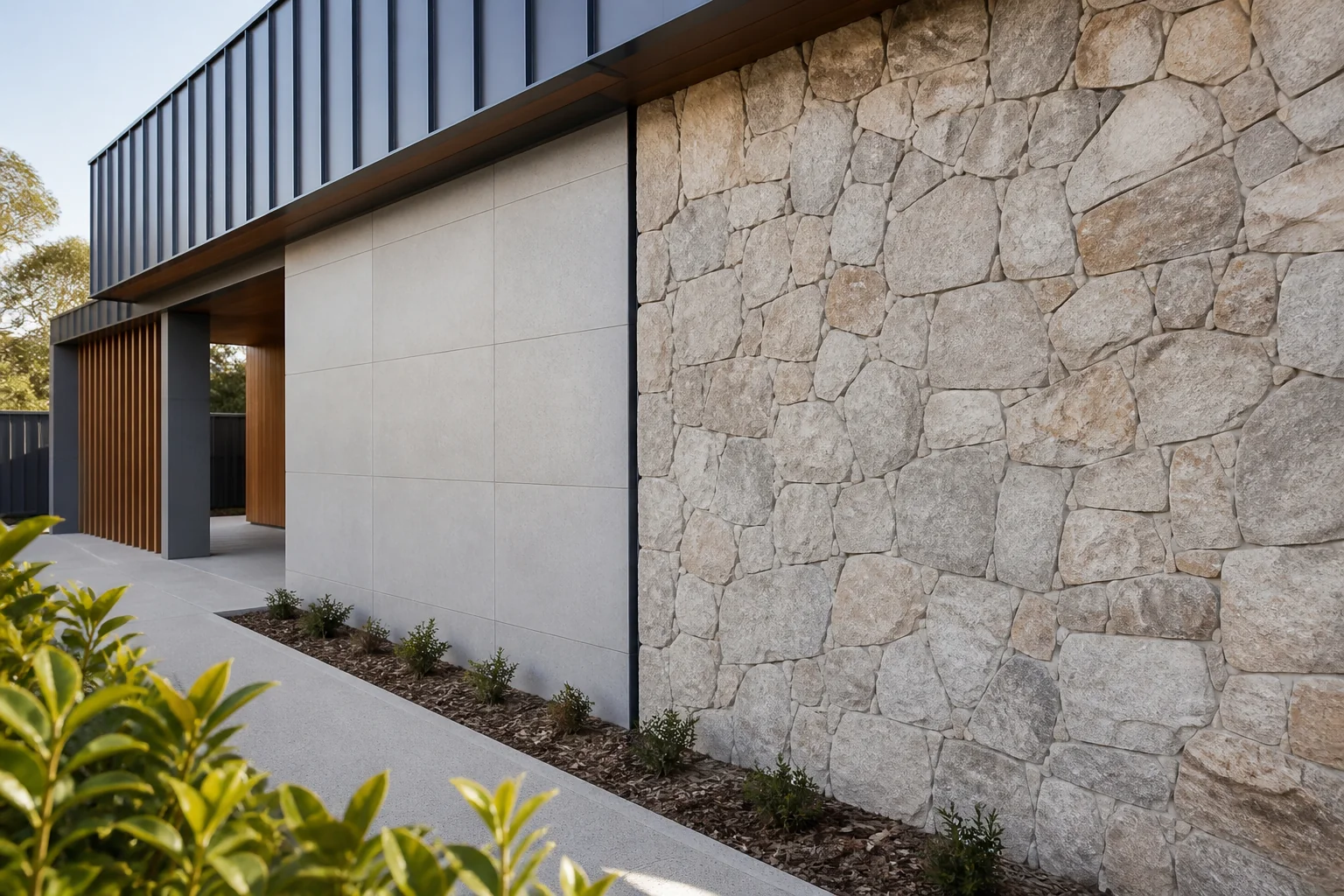
Compare wall cladding by structure, water control, fire, weather, fixing, joints, maintenance, documentation and whole-system compatibility.
2026-09-03
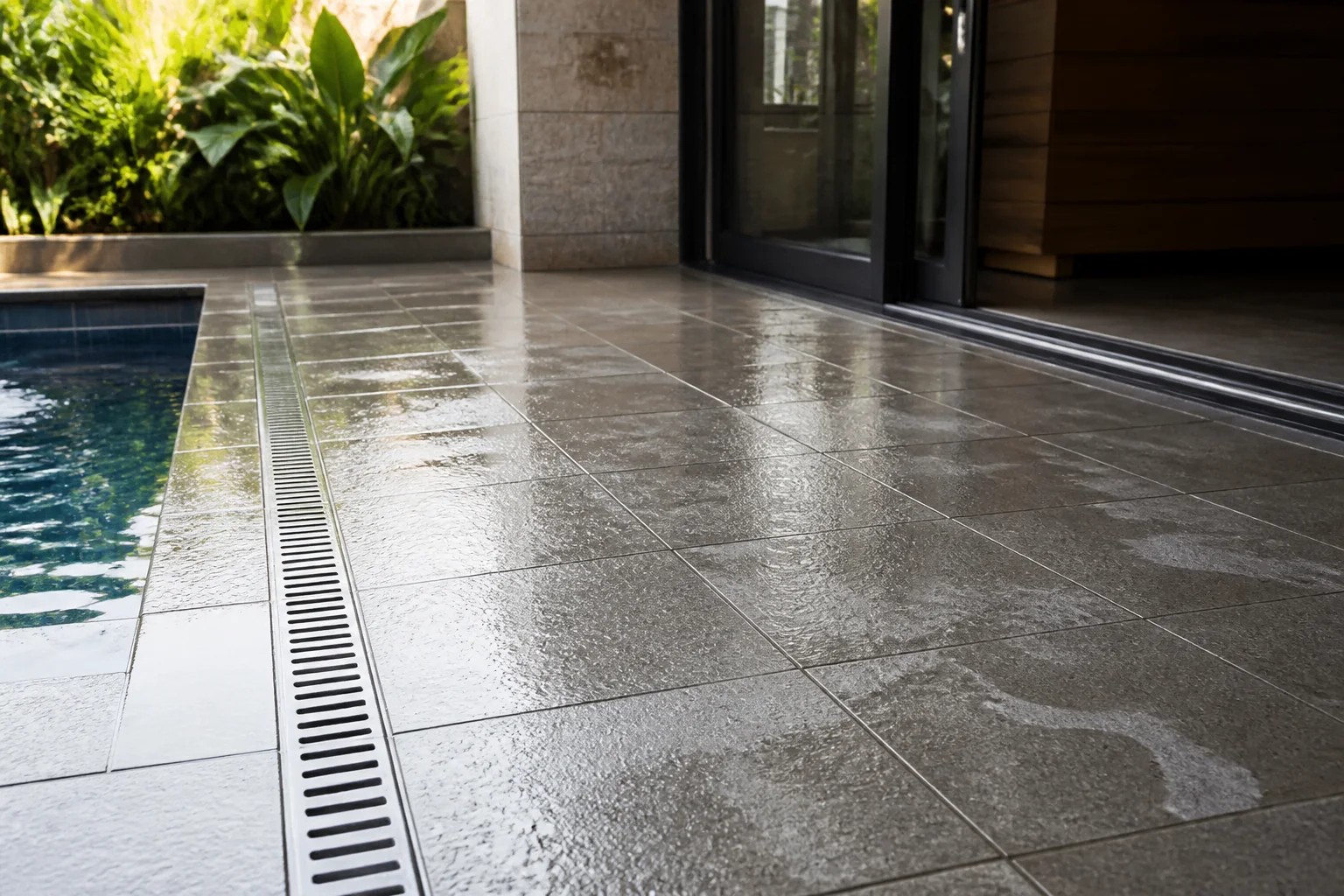
Select anti-slip tiles by checking the exact test information, wet or dry exposure, cleaning behaviour, falls, grout and maintenance plan.
2026-09-07
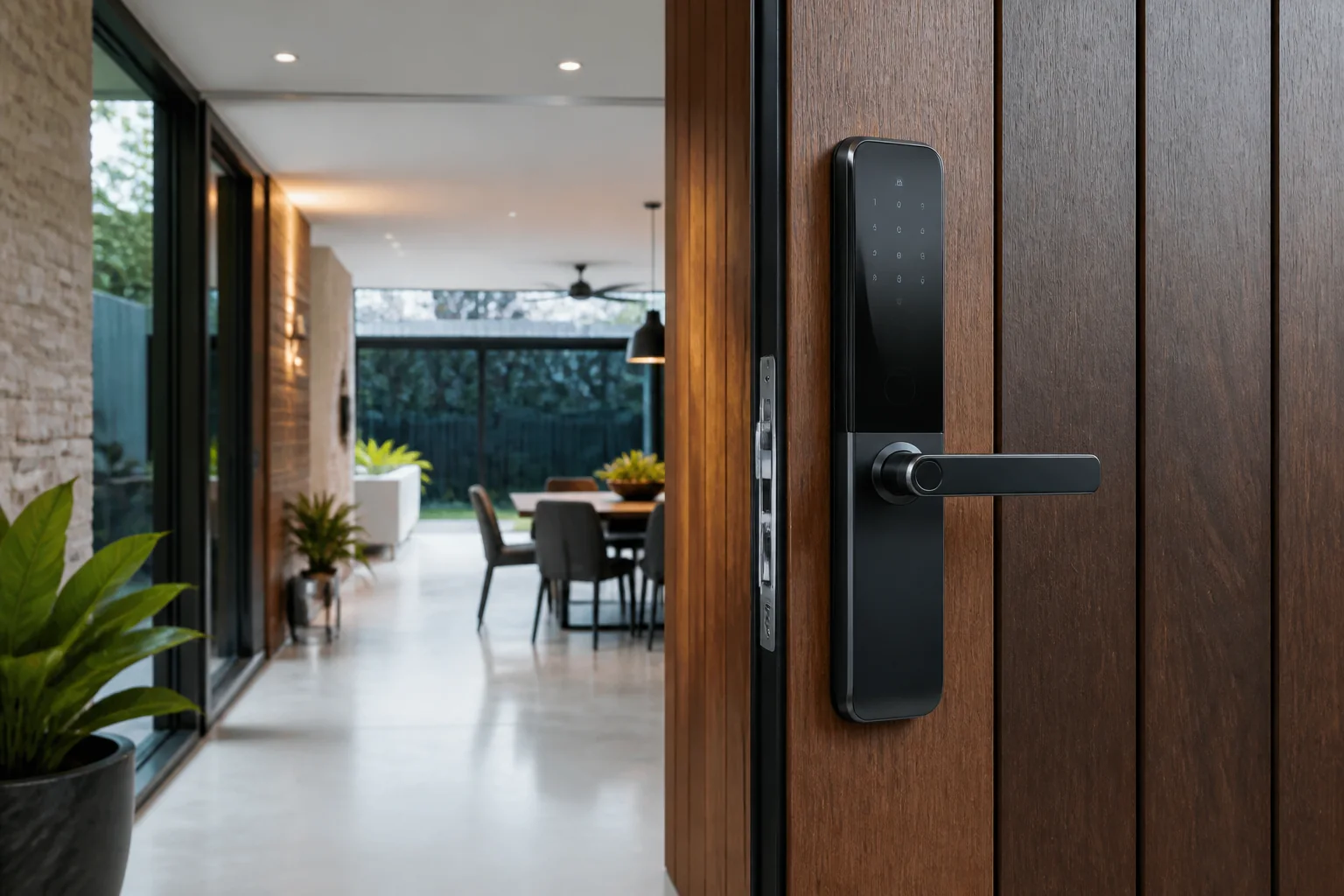
Evaluate Xiaomi products Australia for Australian projects by checking intended use, product evidence, dimensions, installation, maintenance, delivery and sup.
2026-09-11
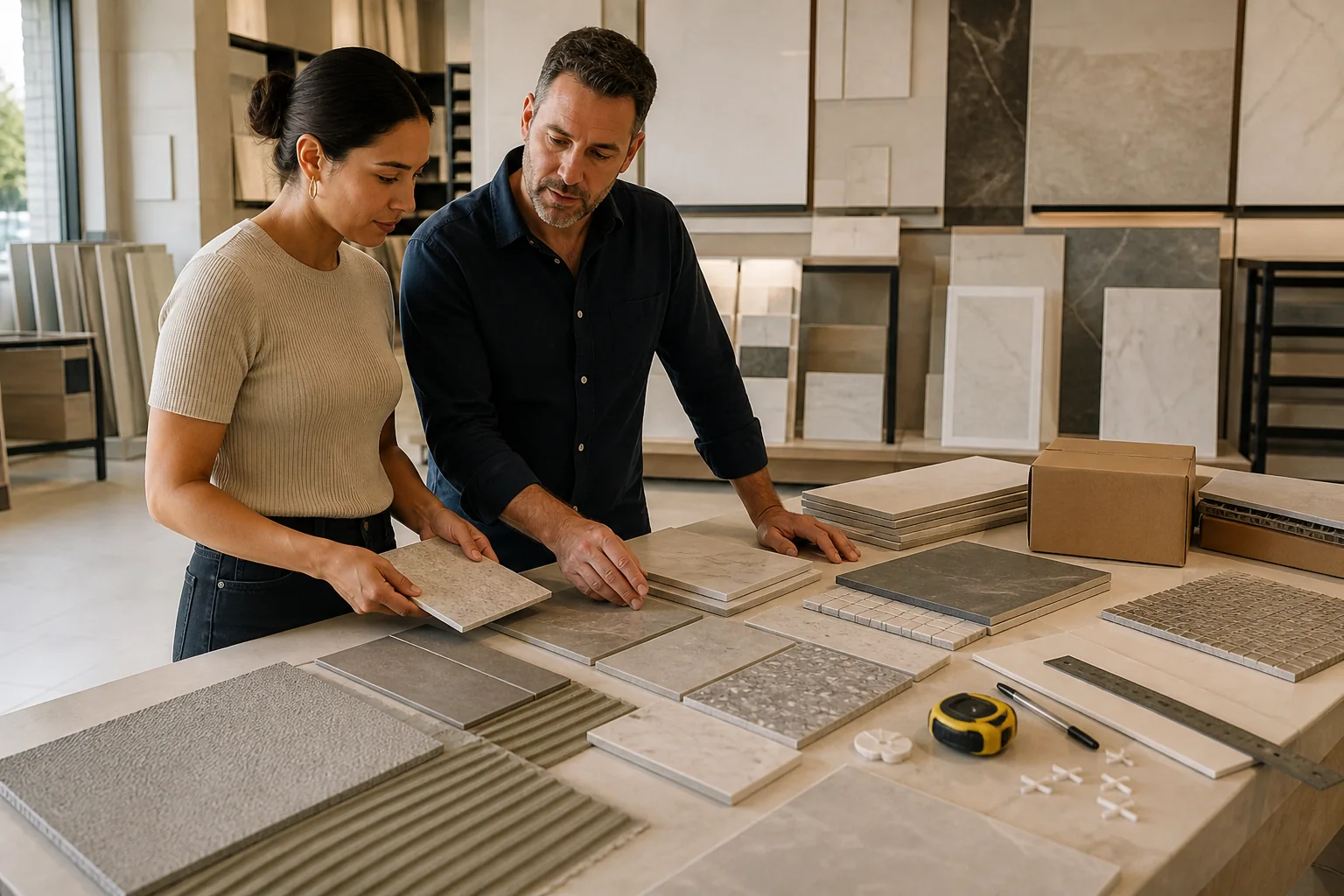
Evaluate tiles and tiling installation and substrate guide for Australian projects by checking intended use, product evidence, dimensions, installation, maint.
2026-09-15
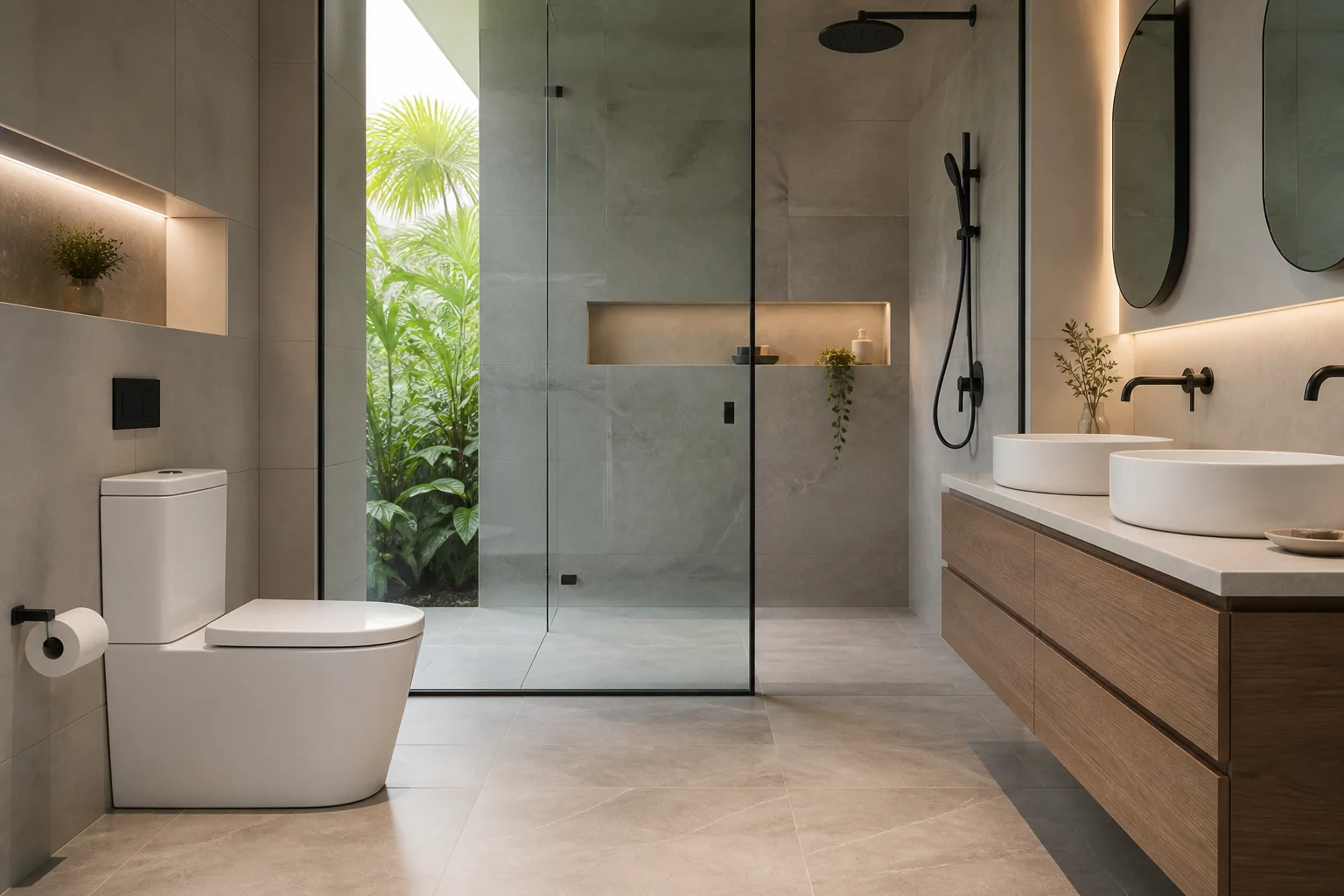
Evaluate Kohler products Australia for Australian projects by checking intended use, product evidence, dimensions, installation, maintenance, delivery and sup.
2026-09-19